Fast refresh and low latency
ArcticPro 144Hz and 120Hz monitor options reduce motion blur and improve responsiveness so frames stay smooth during competitive play.

Unlock ultra-smooth gameplay with ArcticPro gaming monitors featuring 144Hz refresh rate, 1ms response time, and Adaptive Sync. Built for competitive performance and immersive visuals.
Explore ModelsArcticPro 144Hz and 120Hz monitor options reduce motion blur and improve responsiveness so frames stay smooth during competitive play.
IPS and high-gamut VA variants deliver reliable sRGB coverage for clearer color grading, streaming and everyday content creation.
Adaptive Sync support and multiple input ports keep ArcticPro screens compatible with GPUs and consoles, while VESA mounts simplify desk setups.
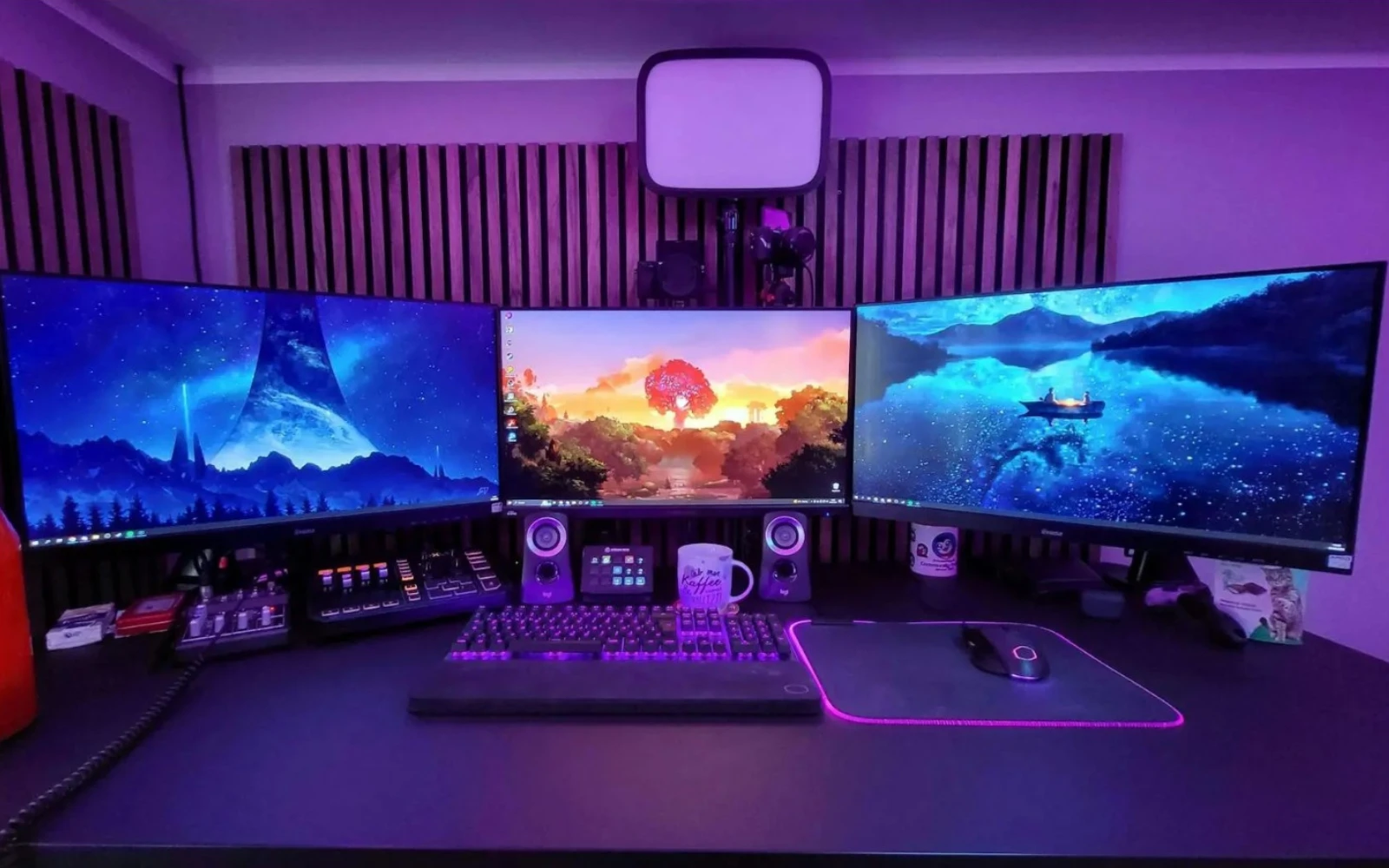
Anti-blue light modes, ergonomic tilt and slim bezels help reduce eye strain and create tidy multi-monitor arrangements for long gaming or work sessions.
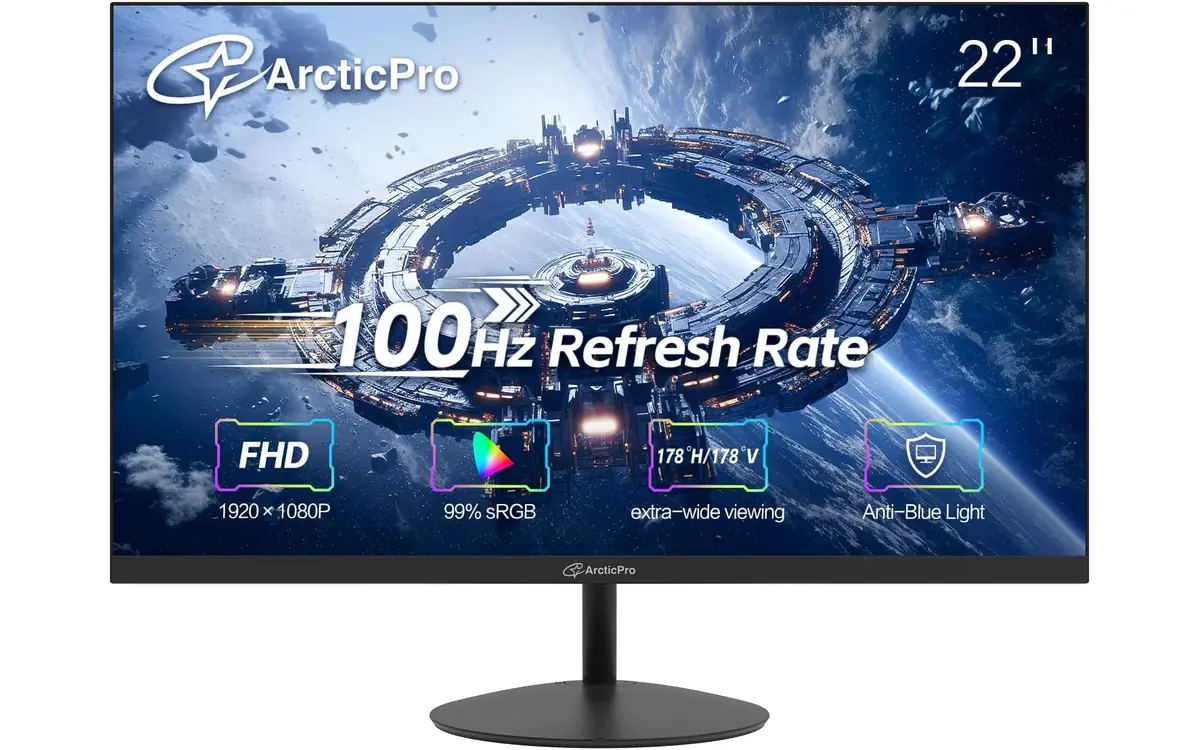
A compact 22" Full HD VA display delivering deep contrast and vivid color coverage. This slim, three-sided frameless monitor is ideal for small desks and multi-monitor setups and includes tilt adjustment, Low Blue Light mode and VESA mounting.
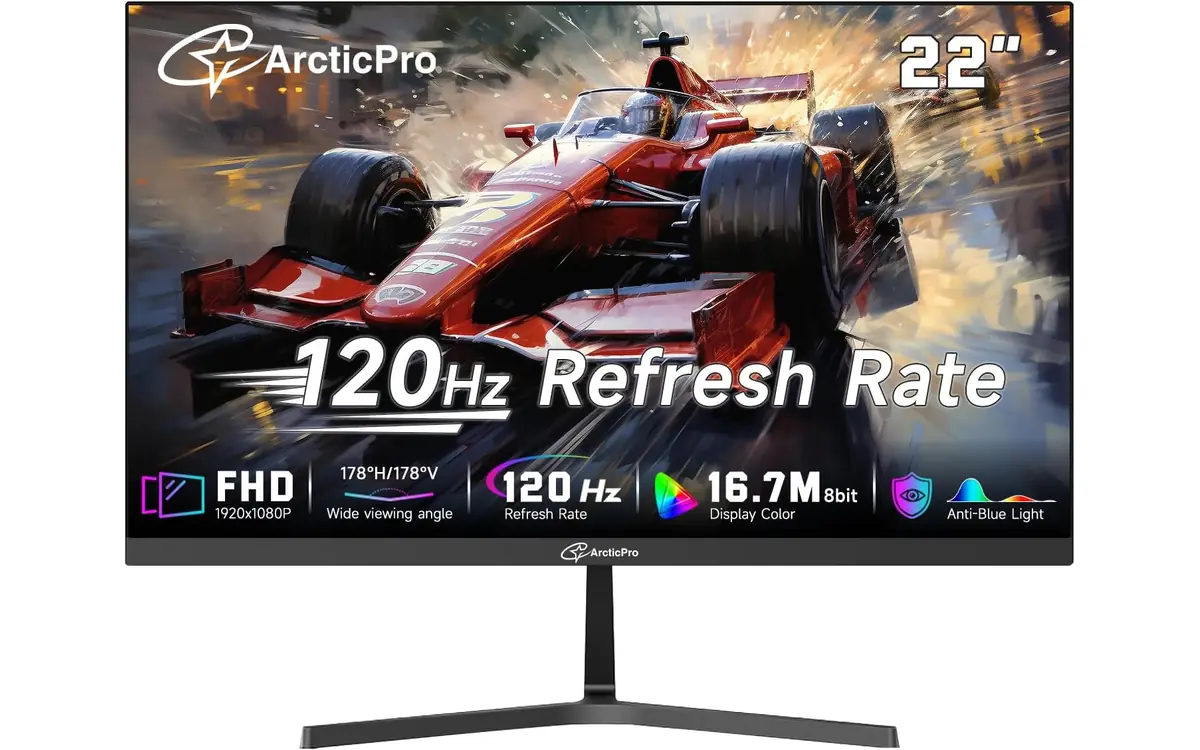
Balanced performance for everyday gaming and multimedia: a 22" Full HD screen with a 120Hz refresh and high contrast ratio for punchy visuals. Includes Low Blue Light, tilt adjust and standard HDMI and VGA inputs for flexible connections.
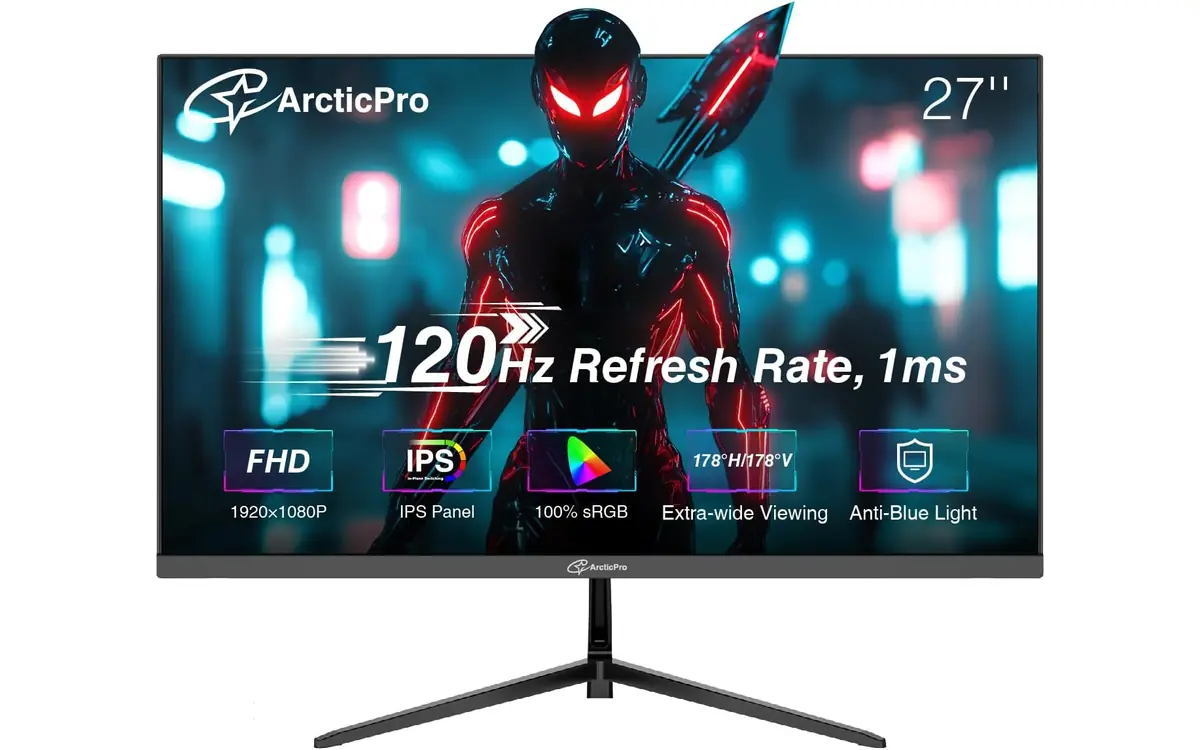
A 27" IPS panel that combines wide color gamut with responsive motion: 120Hz refresh, 1ms MPRT and Adaptive Sync support for tear-free gameplay. Three-sided frameless design and anti-blue light make it a strong pick for gaming and creative tasks.
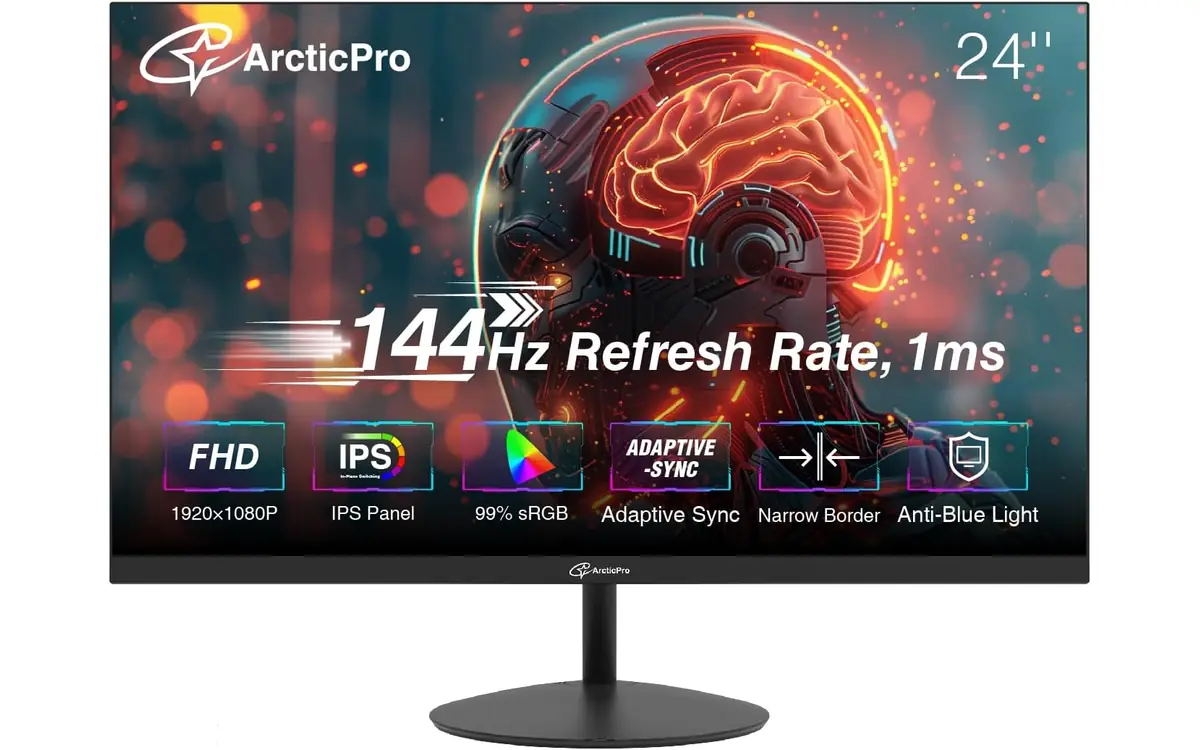
High-refresh 24" IPS monitor tuned for competitive play: 144Hz and 1ms response deliver ultra-smooth motion and reduced blur. Wide color coverage and a slim bezel make this model an excellent choice for multi-monitor rigs and fast-paced titles.
ArcticPro focuses on gaming monitors built for speed, responsiveness and immersive performance. The lineup includes high-refresh displays with 120Hz and 144Hz panels, designed to deliver smoother motion, reduced input lag and better control in fast-paced games.
With 1ms response time and Adaptive Sync support, ArcticPro monitors help minimize motion blur, screen tearing and stutter — giving players a more consistent and competitive gaming experience across FPS, racing and action titles.
IPS and VA panel options provide a balance between color accuracy, contrast and performance. Wide color coverage and slim frameless designs make ArcticPro displays suitable not only for gaming setups, but also for streaming and content creation where visual clarity matters.
Built with modern setups in mind, ArcticPro monitors feature HDMI and DisplayPort connectivity, VESA mounting compatibility and ergonomic adjustments. Whether you're building a competitive gaming station or upgrading your setup, ArcticPro delivers reliable performance where it matters most — speed and visual precision.
Real impressions from gamers and content creators who use ArcticPro panels for fast gameplay and daily productivity.
Most users praise the high refresh options and responsive panels for smoother gameplay and reliable color for streaming and editing.
I switched to the 24" 144Hz ArcticPro for competitive shooters — the difference in smoothness is obvious and aiming feels more consistent. Setup was straightforward and the IPS color is a bonus for content creation.
The 27" 120Hz model with 1ms response trimmed screen tearing on my laptop while streaming. Colors are vivid for thumbnails and video work, and Adaptive Sync kept things smooth during intense scenes.
Compact 22" ArcticPro fits my small desk perfectly. The 120Hz panel feels responsive for casual gaming and the low-blue mode helped reduce eye strain during long sessions.
Ratings based on aggregated buyer feedback for ArcticPro monitors in similar specs and sizes.
Find the right balance of refresh rate and response time for your playstyle — from 120Hz smoothness to 144Hz competitive speed.
Answers on refresh rates, response time, sizes and console compatibility to guide your choice.
Higher refresh rates like 144Hz render more frames per second than 120Hz at the same frame output, which can make fast motion appear smoother and reduce perceived input lag. For competitive players, every additional frame can improve tracking and responsiveness, although the difference is subtler on lower frame counts.
Some ArcticPro models specify a 1ms response in MPRT or GtG metrics. That rating refers to how quickly pixels can change and helps reduce motion blur. Real-world performance also depends on refresh rate, panel type and game settings.
Yes. The 27" IPS ArcticPro options combine wider viewing angles and strong sRGB coverage with 120Hz refresh and 1ms response, making them suitable for gaming while delivering color fidelity useful for photo and video tasks.
ArcticPro models with HDMI and Adaptive Sync support connect to modern consoles. While consoles target specific frame rates and resolutions, a high-refresh monitor can still display smoother motion if the console and game support higher frame output or frame smoothing features.
Choose IPS for wider viewing angles and more accurate color, which benefits creators and streamers. Pick VA for deeper contrast and richer blacks, which can improve immersion in darker scenes. Consider refresh rate and response time alongside panel type for gaming needs.
Most models include HDMI and either DisplayPort or VGA, plus VESA-compatible mounting. Check the specific model page for exact port lists and mounting dimensions to ensure compatibility with your rig.
Use the highest supported refresh rate (e.g., 144Hz), enable Adaptive Sync if available, and set game graphics to prioritize frame rate over ultra-high quality. Disable unnecessary post-processing and use low-latency modes when available.
Look for model-specific reviews that test refresh rate behavior, response time and color accuracy. Detailed spec sheets list panel type, refresh and response metrics, input options and ergonomics to help you compare models side-by-side.